Choose the reference files
Use a clear full-body photo or illustration, and a clip where one performer stays inside the frame. Match the starting pose and camera framing when possible, particularly for moves that take the performer close to an edge.
Animate a character with Wan Motion. Upload a character reference image and a driving video to transfer body motion into a 720p video.
Start generatingChoose a motion reference and add a character photo. The reference video controls the movement.
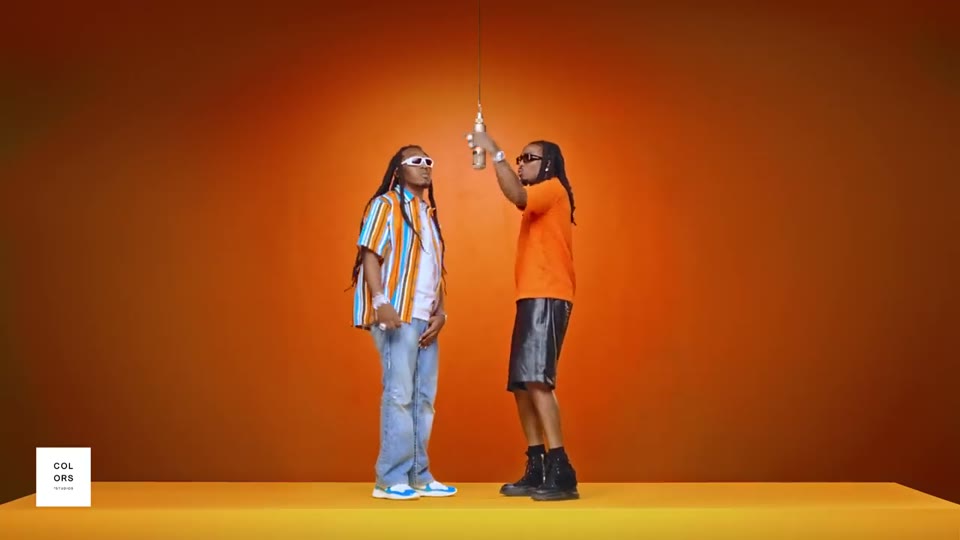
A full-body character performs the upbeat Hotel Lobby dance in a bright hotel lobby, with the same identity, clothing, and proportions as the reference image. The performance follows the reference video timing. No text, logos, or reference audio.
1 performer · 16:9 source · source audio off
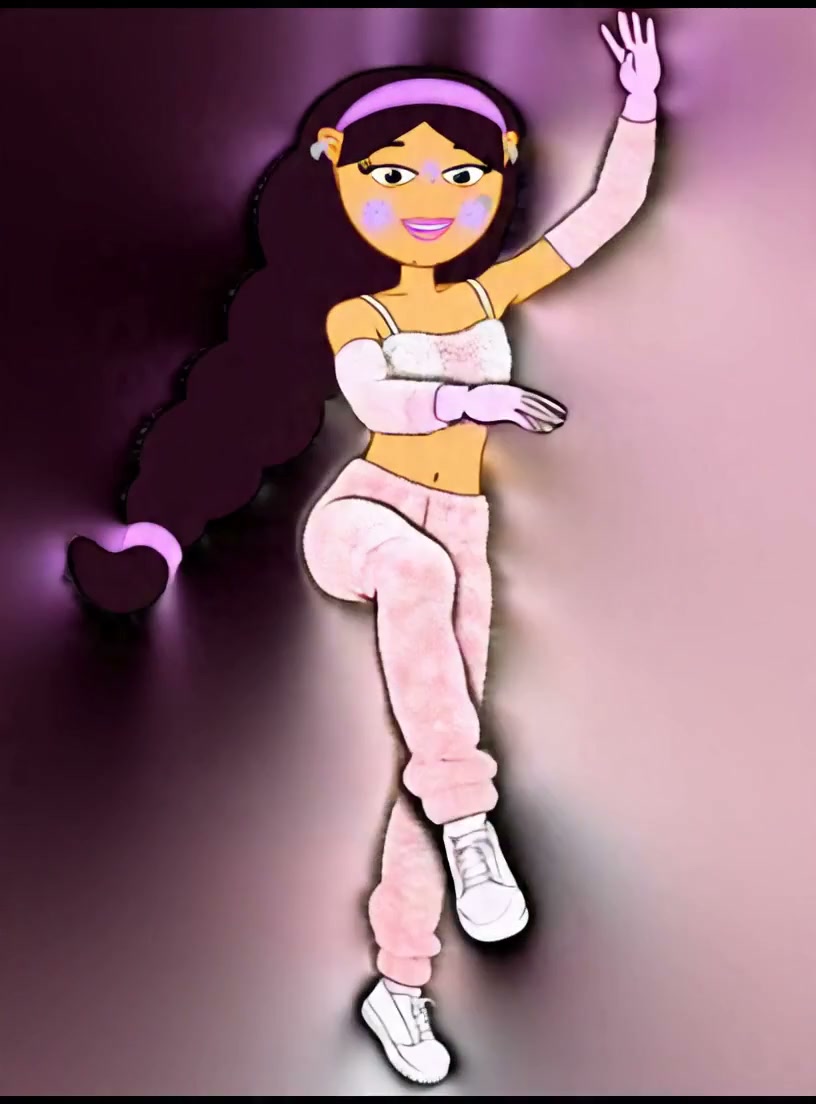
A character gives a natural friendly wave while preserving the reference identity, clothing, and proportions.
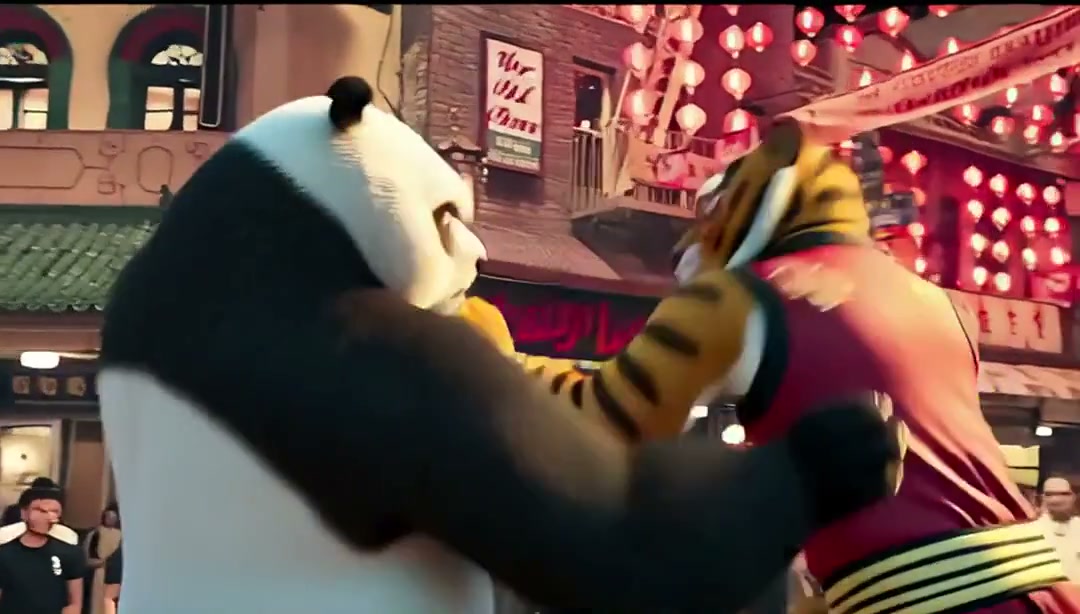
A character performs an energetic full-body martial arts victory pose in a game-like scene.
Use a clear full-body photo or illustration, and a clip where one performer stays inside the frame. Match the starting pose and camera framing when possible, particularly for moves that take the performer close to an edge.
Wan Motion adapts the driving pose to the reference character’s proportions. The hosted workspace accepts short clips up to ten seconds. A prompt can describe the subject or scene while the driving video supplies the action.
Check that the hips, shoulders and feet follow the intended movement without drifting. If the model loses the feet, use a source clip with more room around the performer or trim to the section before the subject leaves the frame.