AI Character Motion Studio
SCAIL-2 vs MimicMotion
A practical comparison for creators choosing between SCAIL-2 style character animation and MimicMotion style human motion transfer workflows.
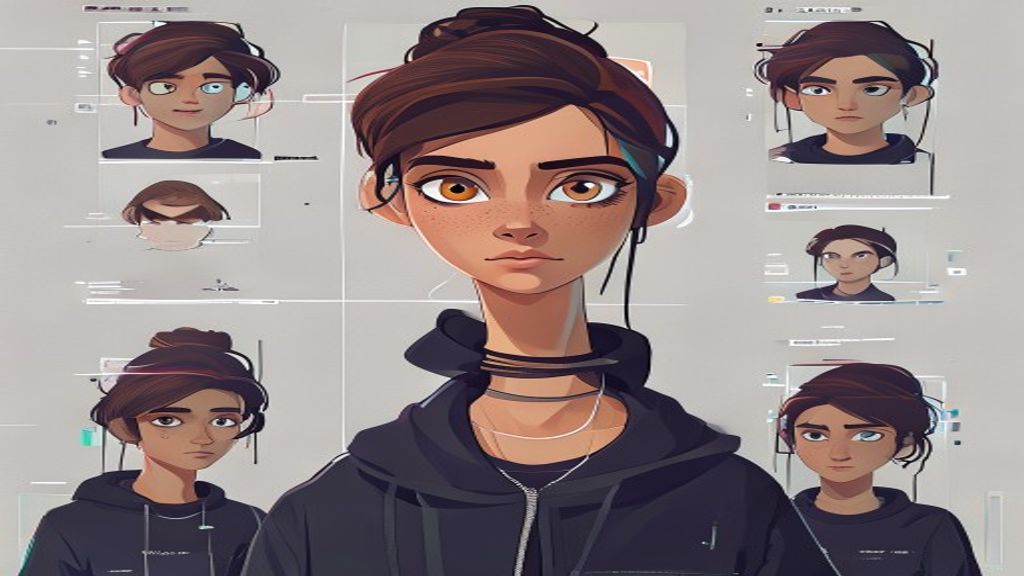
AI-generated video
SCAIL-2 vs MimicMotion
Upload photos you have rights to. The AI model shown on this page renders a short video. Do not upload celebrity likenesses or anyone who has not agreed to appear.
Results are AI-generated. Credits are refunded if rendering fails. Exact motion transfer runs only in Studio, and only from a driving video you upload.
Reference + driving video
Upload a character image, choose a motion template or upload a short driving video, and create an animation task.
Best-fit model selection
Choose a goal such as full-body motion, talking avatar, animal/cartoon animation, or character replacement; the studio recommends the right model path.
Credits and downloads
Your dashboard stores generation history, refunds failed jobs, and provides downloads plus shareable result pages.
Motion templates
Start without finding your own driving video
Most creators only have a character image. The studio gives them ready-made motions first, then lets advanced users upload custom driving videos.
Pop dance and short social motion for anime, mascots, and creator characters.
Friendly greeting motion for mascots, avatars, product explainers, and profile videos.
Walk and gesture clips for ads, product demos, short pitches, and landing pages.
Portrait and face animation for profile videos, intros, and talking-avatar tests.
Idle, victory, attack, and character preview motions for game-style assets.