AI Character Animation Studio
Live Portrait AI Tool
Animate portraits, talking avatars, profile photos, and face-expression videos with the Live Portrait tool inside SCAIL-2 Studio.
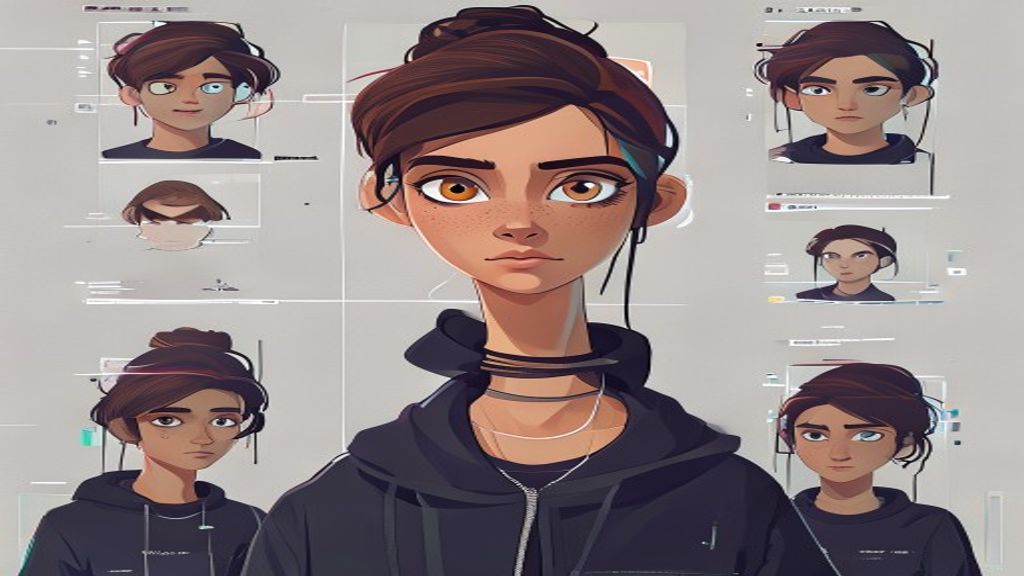
What you need
Start with one clear character image. Pick a tested motion template, or use a short driving clip when you need a custom performance.
What you control
Choose the motion, quality mode, resolution, and preview settings before spending credits.
What you get
Completed jobs stay in your history and can be downloaded, shared, or used as the starting point for another motion.
Use cases
Model strengths
Model limits
FAQ
Is Live Portrait the same workflow as SCAIL-2?
The upload flow is similar, but the model is different: use a portrait image and a face-driving video instead of a full-body motion clip.
When should I use Live Portrait?
Use it for talking avatars, facial expression transfer, and head-motion animation. Use SCAIL-2 for full-body character animation.
Open Character Motion Studio
Upload your character, pick a model, generate the video, then share the result page.
Open Character Motion Studio