Animate Avatar with AI
Make an animated avatar for an intro or presentation. Upload a portrait-style avatar and drive its head motion and mouth movement with a recorded performance.
Start generatingSCAIL-2 Motion Studio
Choose a motion reference and add a character photo. The reference video controls the movement.
2Motion
RequiredChoose a preset action or upload your own video. SCAIL-2 follows its movement and timing.
Choose an action reference to continue
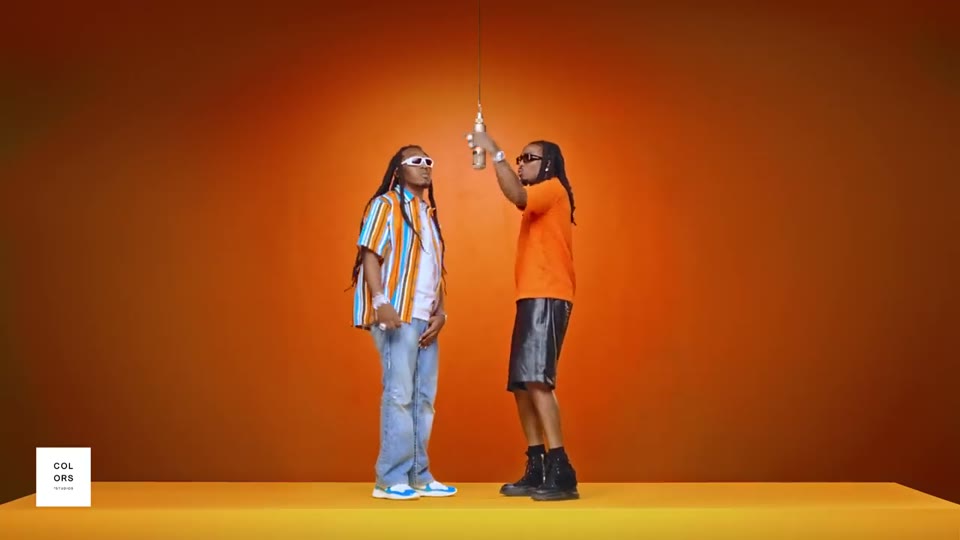
10s
Hotel LobbyDance
A full-body character performs the upbeat Hotel Lobby dance in a bright hotel lobby, with the same identity, clothing, and proportions as the reference image. The performance follows the reference video timing. No text, logos, or reference audio.
1 performer · 16:9 source · source audio off
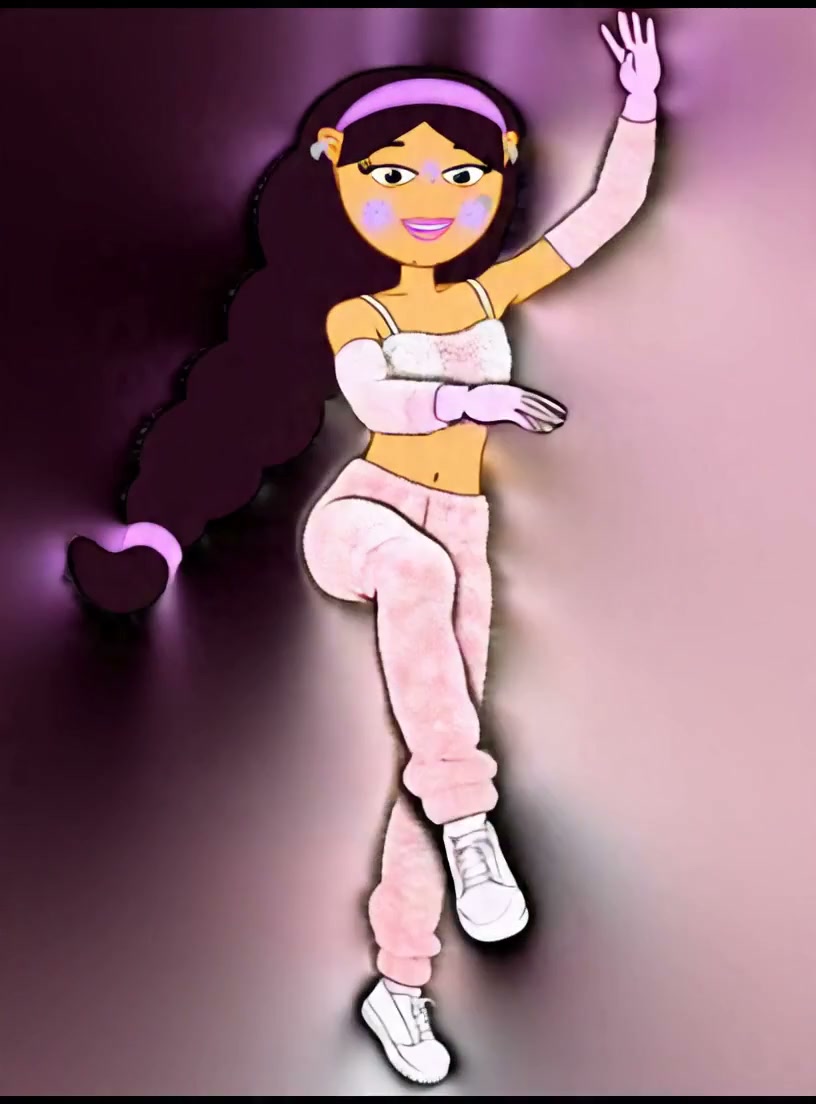
3s
Friendly WaveSocial
A character gives a natural friendly wave while preserving the reference identity, clothing, and proportions.
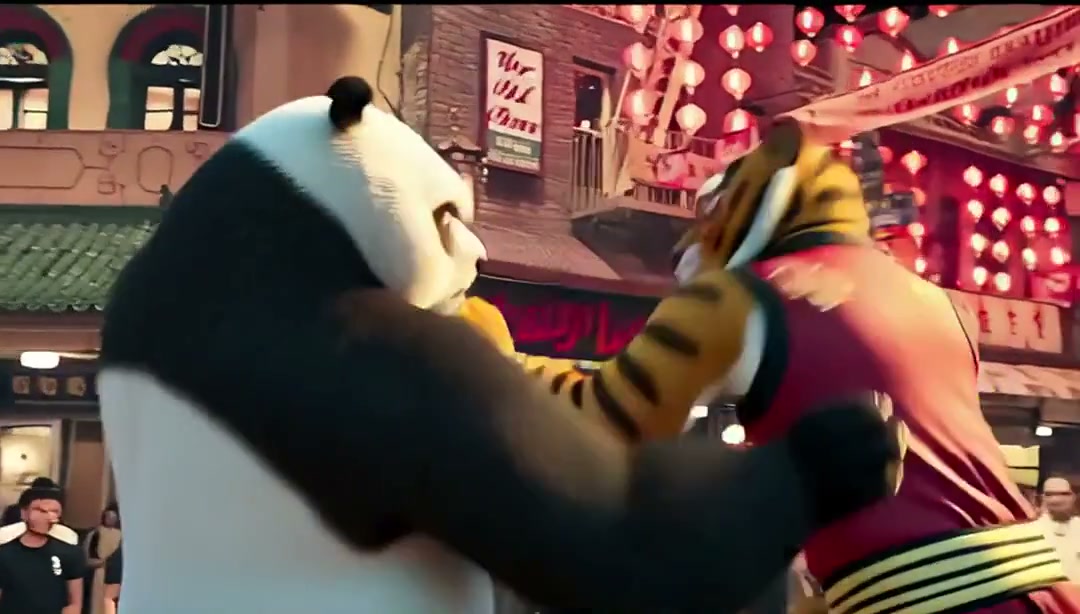
3s
Game VictoryGame
A character performs an energetic full-body martial arts victory pose in a game-like scene.
Effect preview
Motion ControlChoose a motion to preview the result
Prepare your inputs and review the result
- Use a front-facing avatar with clearly visible eyes and mouth. Keep accessories away from the areas you need to animate.
- Record a face close-up with the intended expression or mouth movement. Keep the shot steady so the face stays easy to track.
- Preview the eyes and lips, and try the retargeting controls when needed. Prepare the recorded motion before generation.