AI Motion & Character Studio
Wan 2.2 Animate Online: Animate or Replace a Character in Any Video
Run Wan 2.2 Animate online in two modes: Move (your image copies the video motion) and Replace (swap the person in a video with your character while keeping the scene lighting).
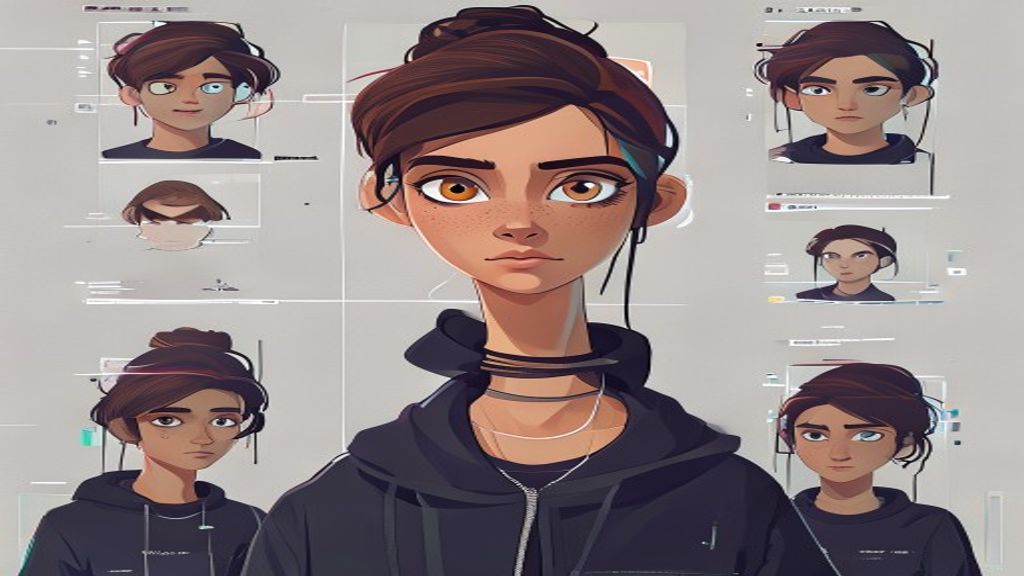
AI-generated video
Wan 2.2 Animate Online: Animate or Replace a Character in Any Video
Upload photos you have rights to. The AI model shown on this page renders a short video. Do not upload celebrity likenesses or anyone who has not agreed to appear.
Results are AI-generated. Credits are refunded if rendering fails. Exact motion transfer runs only in Studio, and only from a driving video you upload.
Core Specifications & Workflow
Input Requirements
Provide one single high-clarity reference character image (PNG/JPG/WebP) and a driving motion clip or choose from curated presets.
Resolution & Speed
Supports 512p fast iteration and 704p production clarity. GPU cluster inference delivers finished results in just a few minutes.
Commercial Ownership
Generated video assets belong entirely to you. Download high-bitrate MP4s with no watermarks on paid credits.
Move vs Replace
Move mode keeps your image's background and makes the character follow the video. Replace mode keeps the video's background and swaps the person in it for your character, matching light and color so the result blends into the original shot.
Why run Wan Animate here instead of locally
Wan 2.2 Animate is open source, but running it locally needs a large GPU and several preprocessing steps (pose, face and mask extraction). SCAIL-2 runs the full pipeline for you and bills per second only when a video is delivered.
Key Use Cases
Architecture Strengths
Best Practice Notes
All AI Engines
Compare AI Animation Models
Explore other specialized models supported in our Studio to find the perfect fit for your workflow.
Wan 2.1 Motion
High temporal consistency, realistic human anatomy, 160 frames dance and movement.
SCAIL-2 Engine
Neural spatial retargeting for non-human, animal, and extreme stylized proportions.
LivePortrait
Micro-expression, eye gaze, and head pose transfer for portrait photos and avatars.
Frequently Asked Questions
How much does Wan 2.2 Animate cost?
6 credits per second at 720p. A 5 second clip costs 30 credits, refunded if it fails.
How do I use Replace mode?
In the Studio pick Wan 2.2 Animate and set the mode to Character Replacement.
Is Wan Animate better than Kling Motion Control?
Kling is usually sharper for faces and dance; Wan Replace is better when you need to keep the original scene. See our comparison page.
Try Wan Animate in Studio
Upload your character, select your motion, and generate an animation in minutes.
Try Wan Animate in Studio