AI Character Animation Studio
SCAIL-2 vs MagicAnimate
Compare SCAIL-2 and MagicAnimate for reference-image animation, motion transfer, and online video generation.
Reference Image
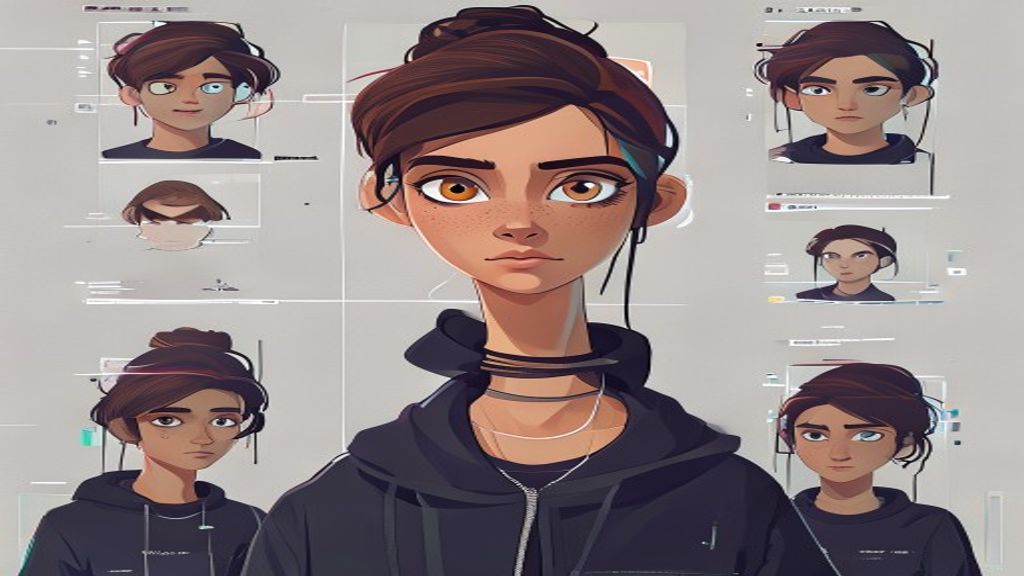
Driving Video
Output Video
What you need
Start with one clear character image. Pick a tested motion template, or use a short driving clip when you need a custom performance.
What you control
Choose the motion, quality mode, resolution, and preview settings before spending credits.
What you get
Completed jobs stay in your history and can be downloaded, shared, or used as the starting point for another motion.
Use cases
Anime and stylized character animation
Motion transfer exploration
Choosing the right animation workflow for short clips
Model strengths
SCAIL-2 Studio wraps upload, credits, history, and downloads
Good for image-plus-driving-video workflows
Practical CTA-first comparison page
Model limits
Not every pose preserves small details
Generated clips are intentionally short
Retries may be needed for hard motion
FAQ
Does the page require setup?
No. It points to the hosted SCAIL-2 Studio workflow.
Is MagicAnimate available in the tool?
The studio focuses on SCAIL-2 and Live Portrait model choices.
Open Character Motion Studio
Upload your character, pick a model, generate the video, then share the result page.
Open Character Motion Studio