AI Motion & Character Studio
Kling Motion Control Online: Copy Any Dance or Action Onto Your Character
Use Kling 2.6 Motion Control online without a Kling membership. Upload one character image and a 3-30s driving video, pay per second with credits, and get a refund if it fails.
AI-generated video
Kling Motion Control Online: Copy Any Dance or Action Onto Your Character
Upload photos you have rights to. The AI model shown on this page renders a short video. Do not upload celebrity likenesses or anyone who has not agreed to appear.
Results are AI-generated. Credits are refunded if rendering fails. Exact motion transfer runs only in Studio, and only from a driving video you upload.
Core Specifications & Workflow
Input Requirements
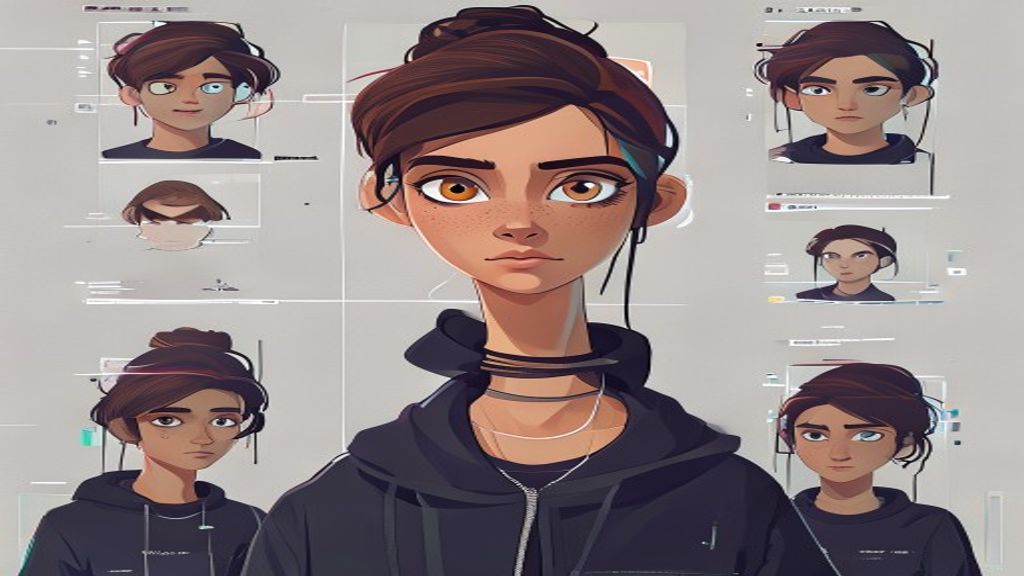
Provide one single high-clarity reference character image (PNG/JPG/WebP) and a driving motion clip or choose from curated presets.
Resolution & Speed
Supports 512p fast iteration and 704p production clarity. GPU cluster inference delivers finished results in just a few minutes.
Commercial Ownership
Generated video assets belong entirely to you. Download high-bitrate MP4s with no watermarks on paid credits.
What is Kling Motion Control?
Kling Motion Control is the motion-transfer mode of Kuaishou's Kling video model. You give it a still image of a character and a short reference video; it re-renders the character performing the same body movement, gestures and facial expression while keeping the look of your image.
Kling Motion Control vs the Kling app
In the Kling app the feature sits behind a monthly plan. On SCAIL-2 you buy credits once and pay only for the seconds you generate. Failed generations are refunded automatically, so you can test a new driving clip without risk.
Tips for better results
Match the framing: a full-body image for a full-body dance, a half-body portrait for talking or gestures. Keep the driving video stable and well lit, and avoid fast camera spins. If the pose of your image differs from the video, switch orientation to video.
Key Use Cases
Architecture Strengths
Best Practice Notes
All AI Engines
Compare AI Animation Models
Explore other specialized models supported in our Studio to find the perfect fit for your workflow.
Wan 2.1 Motion
High temporal consistency, realistic human anatomy, 160 frames dance and movement.
SCAIL-2 Engine
Neural spatial retargeting for non-human, animal, and extreme stylized proportions.
LivePortrait
Micro-expression, eye gaze, and head pose transfer for portrait photos and avatars.
Frequently Asked Questions
How much does Kling Motion Control cost here?
5 credits per second of output at 720p. A 10 second clip costs 50 credits. Credits are refunded if the generation fails.
Do I need a Kling account?
No. Sign in to SCAIL-2, buy a credit pack, and run Kling Motion Control from the Studio.
How long can the video be?
Up to 10 seconds in image orientation and up to 30 seconds in video orientation.
Can I use a cartoon or anime character?
Yes. Stylized characters work as long as the head, shoulders and torso are visible.
Try Kling motion control in Studio
Upload your character, select your motion, and generate an animation in minutes.
Try Kling motion control in Studio