AI Character Animation Studio
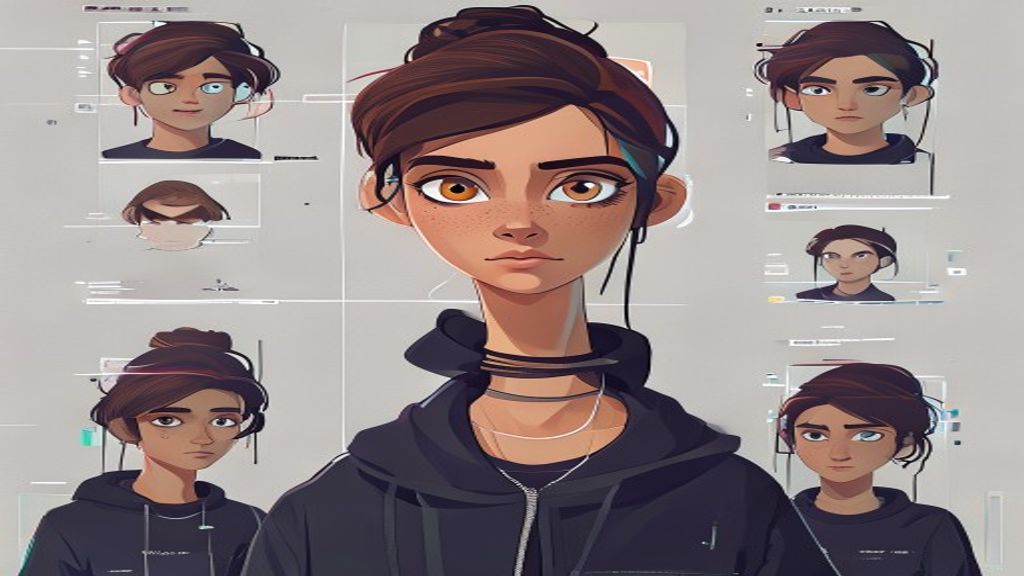
Animate Character From Image
Upload a character image and a driving video to generate an animated output video online.
Reference Image
Driving Video
Output Video
What you need
Start with one clear character image. Pick a tested motion template, or use a short driving clip when you need a custom performance.
What you control
Choose the motion, quality mode, resolution, and preview settings before spending credits.
What you get
Completed jobs stay in your history and can be downloaded, shared, or used as the starting point for another motion.
Use cases
Static character to moving video
Game character action previews
Mascot and anime animation
Model strengths
Simple upload-first workflow
SCAIL-2 handles broad character motion
Results can be downloaded and shared
Model limits
Low-resolution images reduce detail
Very long videos are capped
Hands and occlusion can be challenging
FAQ
What image should I use?
Use a clear character image with the subject visible and minimal obstruction.
What video should I use?
Use a short clip with clear motion that matches the type of output you want.
Open Character Motion Studio
Upload your character, pick a model, generate the video, then share the result page.
Open Character Motion Studio