Animate Cartoon Character Online
Turn a cartoon mascot or illustrated character into an animated video using reference-image plus driving-video motion transfer.
Start generatingSCAIL-2 Motion Studio
Choose a motion reference and add a character photo. The reference video controls the movement.
2Motion
RequiredChoose a preset action or upload your own video. SCAIL-2 follows its movement and timing.
Choose an action reference to continue
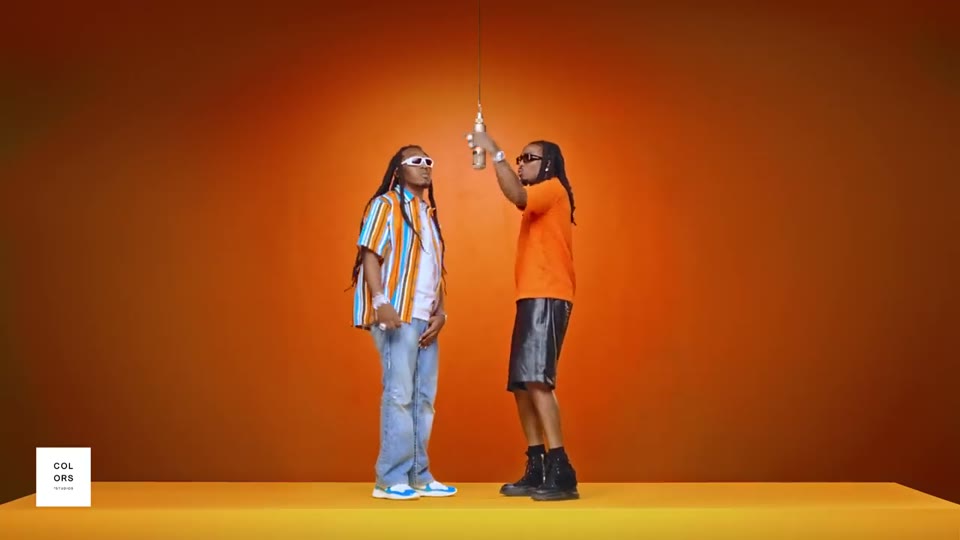
10s
Hotel LobbyDance
A full-body character performs the upbeat Hotel Lobby dance in a bright hotel lobby, with the same identity, clothing, and proportions as the reference image. The performance follows the reference video timing. No text, logos, or reference audio.
1 performer · 16:9 source · source audio off
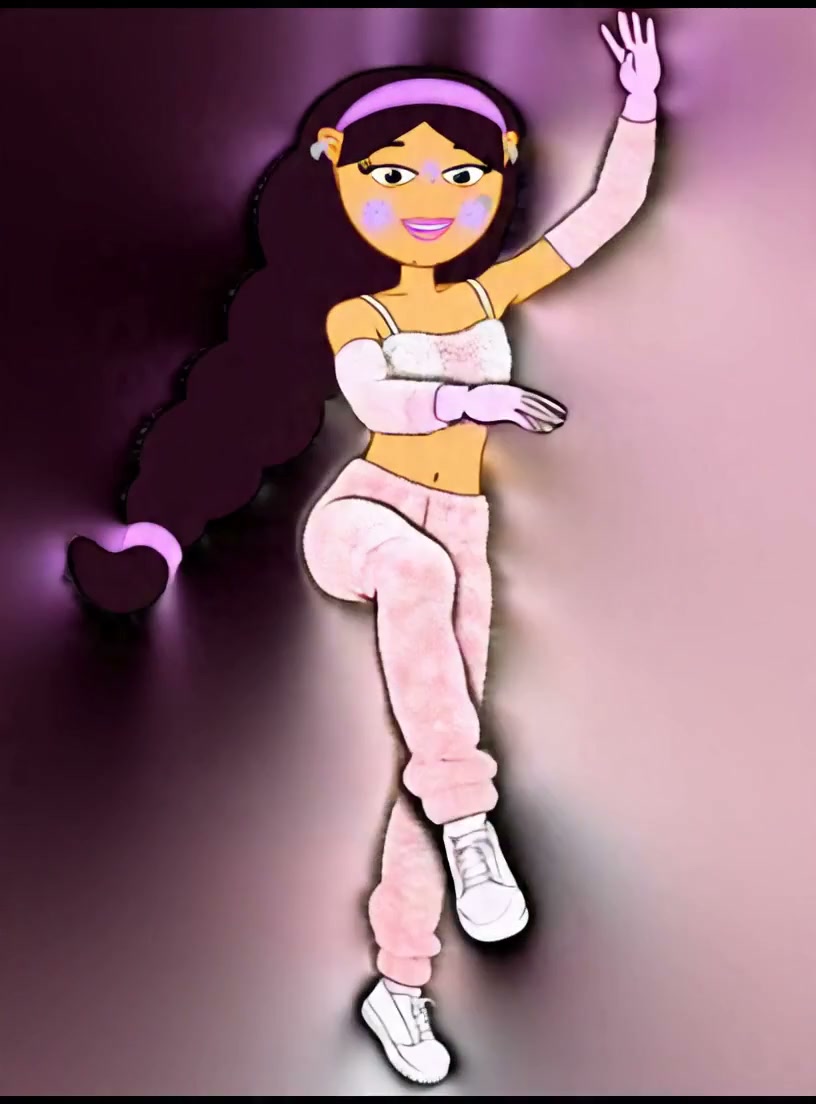
3s
Friendly WaveSocial
A character gives a natural friendly wave while preserving the reference identity, clothing, and proportions.
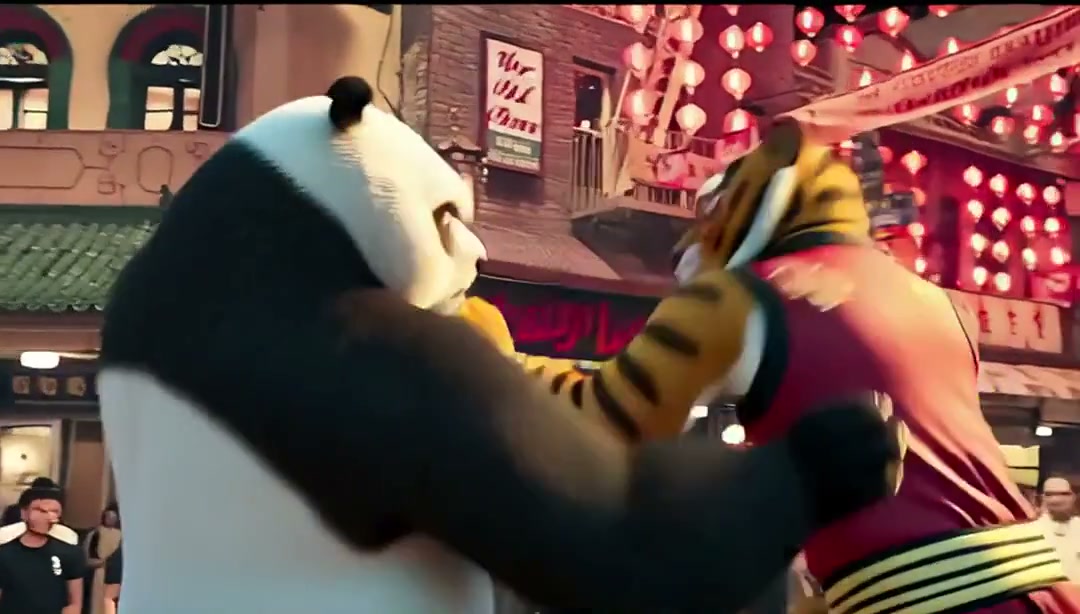
3s
Game VictoryGame
A character performs an energetic full-body martial arts victory pose in a game-like scene.
Effect preview
Motion ControlChoose a motion to preview the result
Prepare your inputs and review the result
- Choose the mascot’s clearest view. Keep its silhouette and identifying details, such as ears, paws, or a uniform, visible in the reference.
- Start with a simple greeting or gesture. For exaggerated proportions, avoid an initial clip with fast spins and crossed limbs.
- Watch whether the mascot keeps its shape at the end of the move. If the body stretches, try a simpler gesture or a differently framed clip.