Hotel Lobby AI Generator
Upload two photos and generate a 10-second 16:9 hotel lobby video. Each person stays recognizable and on their own side.
Choose a lobby style
Styles change lighting and mood. They are previews, not a motion clip that gets copied onto your photos.
Studio Duet - Spotlight Flow
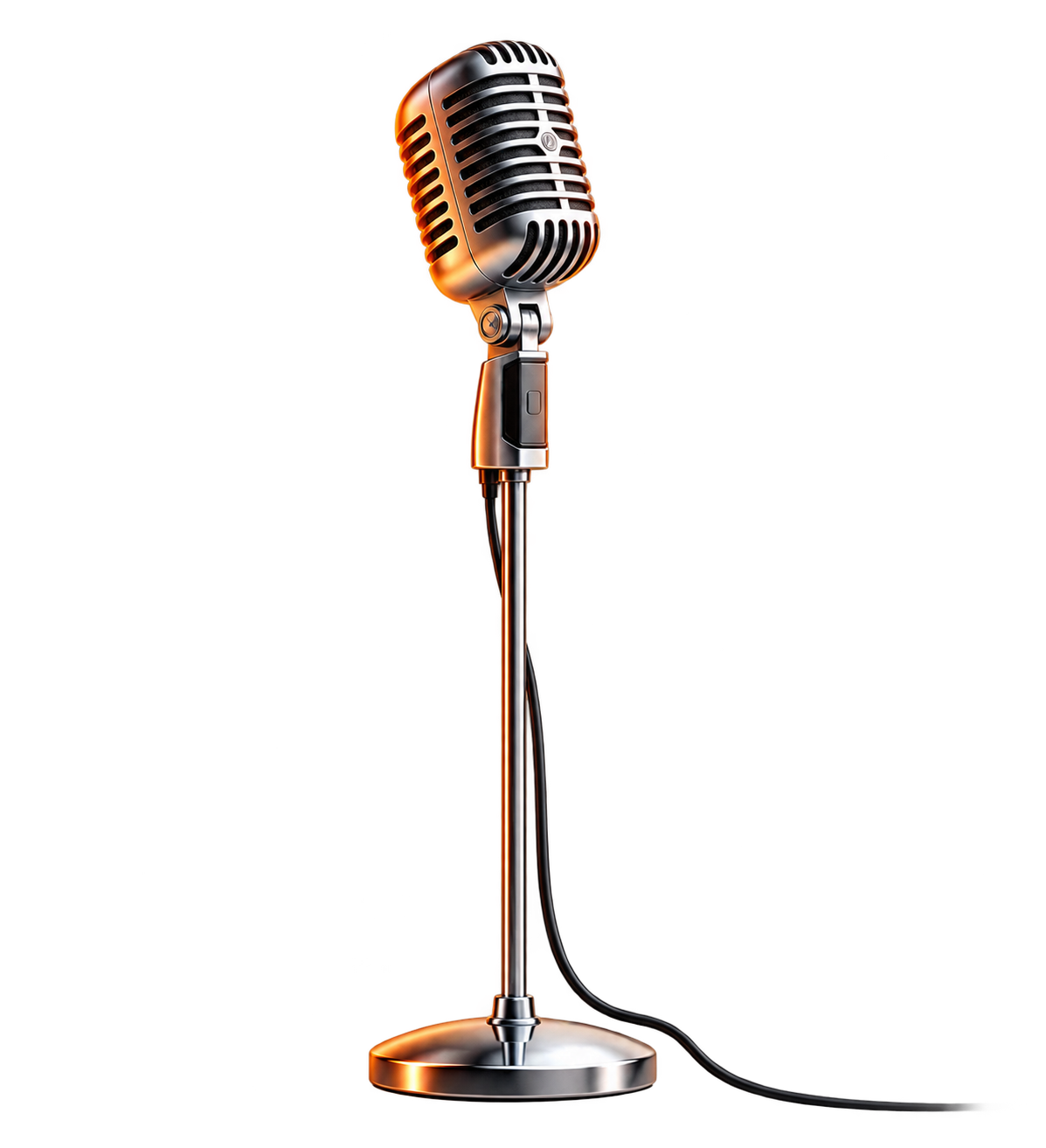
Classic hanging-microphone duet with alternating verses and synchronized shoulder rhythm.
Warm Lobby - Rhythm Groove
Warm architectural studio background with steady camera framing and expressive hand gestures.
Neon Minimal - Beat Bounce
Modern saturated studio backdrop with sharp tempo switches and dynamic dual-subject timing.
Golden Sunset - Chill Melodic
Warm golden tones with relaxed alternating vocal body language and smooth center framing.
Monochrome Luxe - High Energy
High-contrast studio session with fast lyrical tempo, quick handoffs, and stable dual framing.
Acoustic Suite - Soulful Cadence
Subtle swaying cadence with alternating head movements and precise two-shot framing.
Upload Left & Right Performers
Upload separate photos for each side. The left photo guides the left performer; the right photo guides the right performer.
Replaces the performer on the LEFT side of the frame.
Replaces the performer on the RIGHT side of the frame.
Audio
Grok writes original dialogue and lobby ambience. Upload music only if you own the rights to it.
Sign in to create your hotel lobby video.
Results are AI-generated. Credits are refunded if rendering fails. Exact motion transfer runs only in Studio, and only from a driving video you upload.
What Is Hotel Lobby AI?
Hotel Lobby AI turns two photos into a short cinematic hotel lobby scene. The left photo stays on the left, the right photo stays on the right, and Grok Imagine writes the motion, dialogue, and ambient sound.
Style previews show lighting and mood. They are not copied onto your video, and no reference clip is sent unless you upload one yourself in Studio for a separate motion-transfer job.
How Hotel Lobby AI Generation Works
1. Choose a lobby style
Pick a lighting and mood preview. The preview is a sample of the look, not a motion file that replaces your scene.
2. Upload the left and right photos
Photo 1 is the person on the left. Photo 2 is the person on the right. Use photos you have rights to.
3. Generate with Grok Imagine
Kie renders a 10-second 16:9 MP4 with original audio. If rendering fails, the credits are refunded.
Hotel Lobby AI questions
How does Hotel Lobby AI differ from text-to-video?
It is image-to-video. You upload two photos, and Grok Imagine on Kie animates those people inside a hotel lobby. A text-only prompt is not enough for this page.
Why must I upload two separate photos?
The scene needs two people. Photo 1 stays on the left and photo 2 stays on the right so their identities do not blend.
Does the final video include audio?
Yes. Grok writes original dialogue and lobby ambience with the video. You can optionally upload music you own the rights to.
What happens if generation fails?
If generation, content validation, or audio multiplexing fails, the deducted credits are refunded.
What are the output specs?
Outputs are 10-second 16:9 MP4 videos in 480p or 720p.
More effects
Trending effectsRaindance AI
One or two photos become an original coastal clip with sunset, rain, and boardwalk light.
Zombie Love Story
Two photos become an original, non-gory short with a cold-to-warm story.
Rumpelstiltskin Dance
The existing fairy-tale dance page. Tip-toeing and rumpelstiltskin aliases open this generator.
Venom Car AI
Upload one photo of your car. A glossy black living liquid crawls in, bursts into tendrils and rebuilds your car part by part, chassis, wheels, then body, until the headlights switch on. 10-second vertical video with sound, made with Seedance 2.
AI Zombie Effect
Upload one portrait and watch it turn into a zombie in a 5-second vertical clip: pale skin, cracked veins, glowing eyes. Made with Seedance 2, 30 credits. A one-click Halloween video for TikTok and Reels.
AI Werewolf Effect
Upload one portrait and watch fur, fangs and glowing eyes take over in a 5-second vertical werewolf transformation. Made with Seedance 2, 30 credits. Built for Halloween posts.
Closed on Sunday
Turn one photo into an original hillside choir clip. The subject stands still while a generated choir sways. The original song is not included.