SCAIL-2 Character Animation

Run SCAIL-2 online with a reference image and a driving video. Generate a short character animation or replace a tracked subject inside an existing scene.

Mulai membuat video

Studio Gerakan SCAIL-2

Pilih referensi gerakan dan tambahkan foto karakter. Video referensi menentukan gerakannya.

1Foto Karakter
Wajib
Unggah satu foto karakter yang jelas dan menghadap ke depan. Untuk beberapa pemeran, gunakan alat interaksi multi-karakter.

Gunakan foto seluruh tubuh yang terang dan tajam dengan satu subjek. Hindari bagian tubuh terpotong atau tertutup. Untuk beberapa pemeran, gunakan alat interaksi multi-karakter.

Buka alat interaksi multi-karakter
2Gerakan
Required
Choose a preset action or upload your own video. SCAIL-2 follows its movement and timing.

Bagaimana video sumber akan digunakan?

Pertahankan adegan dan waktu dari video sumber, lalu animasikan karakter Anda mengikuti gerakannya.

Choose an action reference to continue
Hotel Lobby
10s
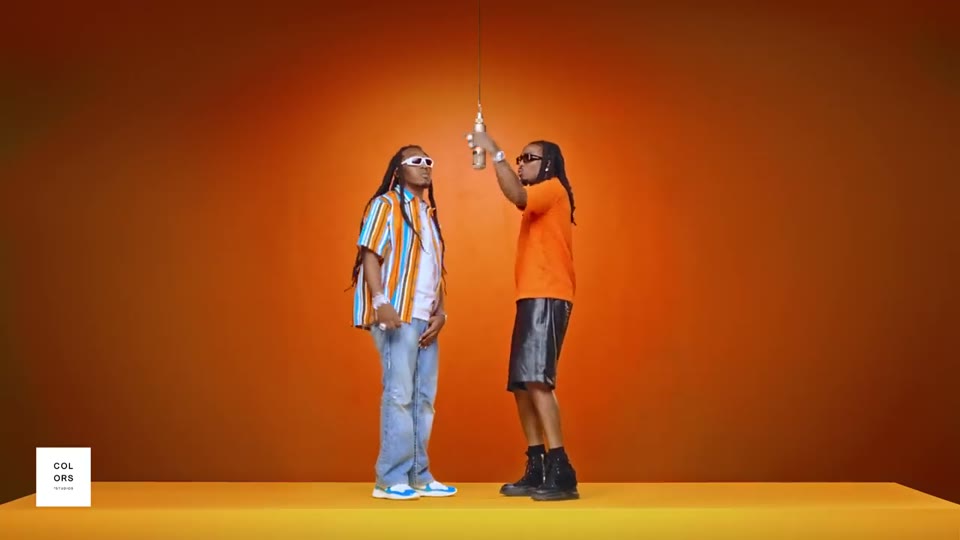
Hotel LobbyDance

A full-body character performs the upbeat Hotel Lobby dance in a bright hotel lobby, with the same identity, clothing, and proportions as the reference image. The performance follows the reference video timing. No text, logos, or reference audio.

1 performer · 16:9 source · source audio off

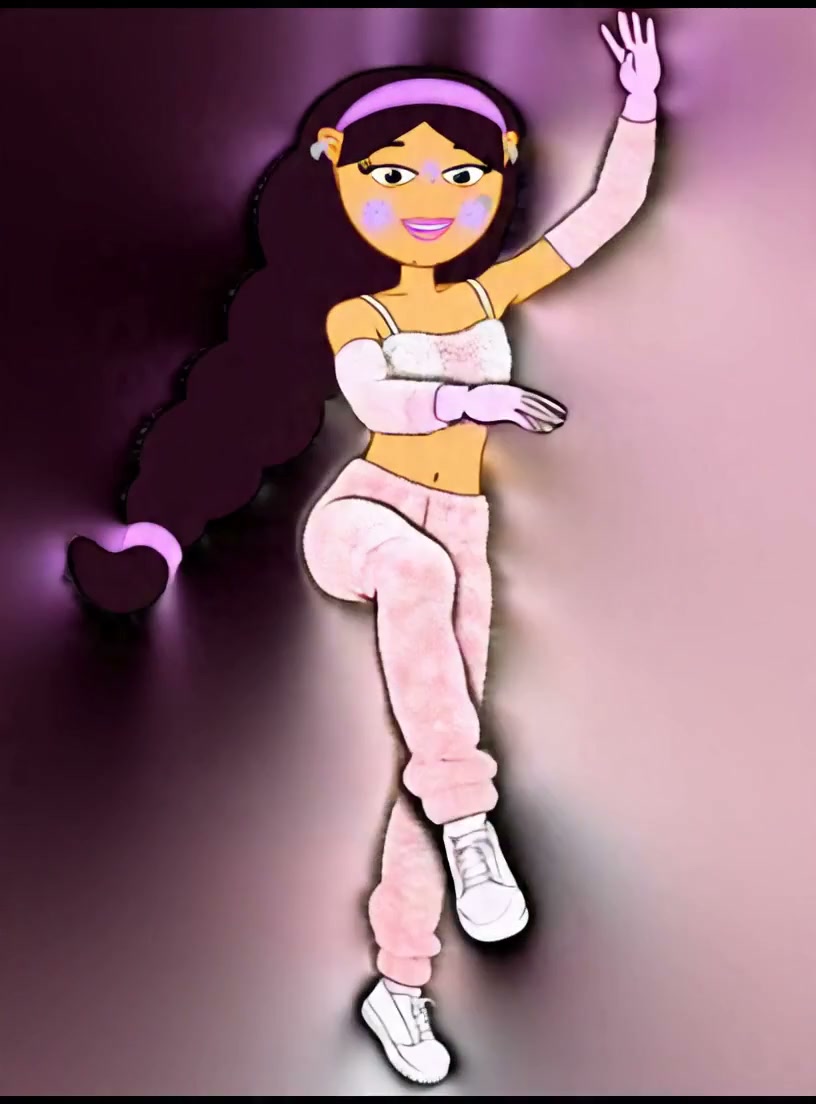
Friendly Wave
3s
Friendly WaveSocial

A character gives a natural friendly wave while preserving the reference identity, clothing, and proportions.

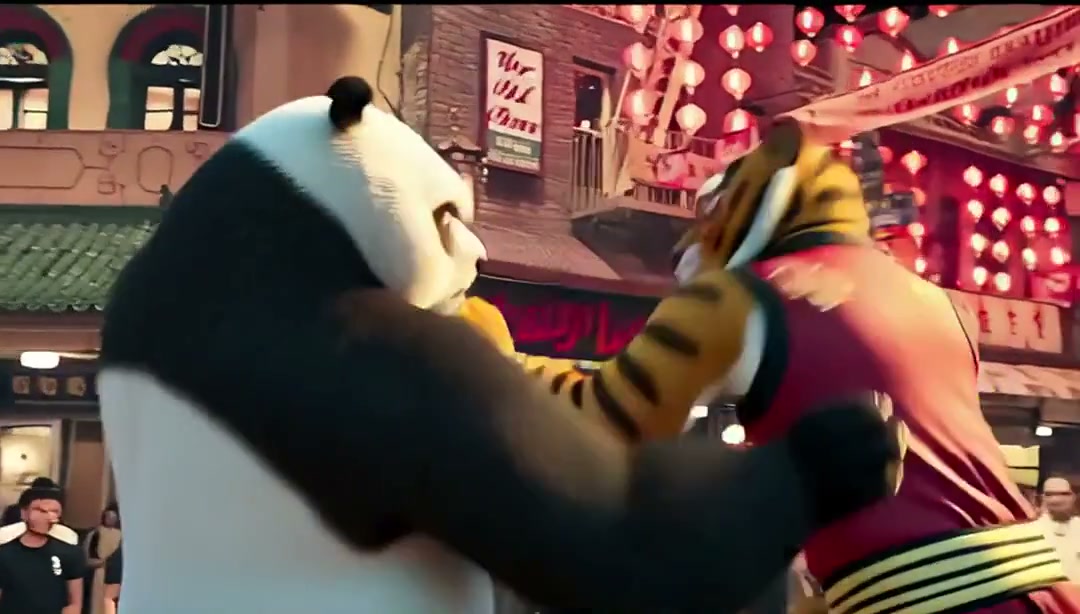
Game Victory
3s
Game VictoryGame

A character performs an energetic full-body martial arts victory pose in a game-like scene.

3Gaya dan kualitas
Auto uses SCAIL-2 for reference-video motion transfer. Output orientation follows your character photo.

SCAIL-2 · 512p

Pengaturan yang disarankan sudah siap.

Opsional

Effect preview

Motion Control
Choose a motion to preview the result

Siap membuat video?

Tambahkan foto untuk memulai. Tambahkan referensi gerakan

Perkiraan biayaMulai dari 18 kredit/detik. Pilih gerakan untuk melihat total biaya.

Upload or select a character image first

Click Generate to sign in. Your character and motion draft will be restored automatically.

Generasi yang gagal akan mendapat pengembalian kredit otomatis.

Choose the reference files

Use a sharp image of the character and a short video with the full movement visible. Start with a single subject and a stationary camera if you want to check how well the character keeps its shape. For animal reference footage, choose the animal subject type.

Set up the generation

Choose 512p for your first test or 704p when you need more detail. Start with end-to-end driving. Pose driving can help when the body motion is clear but the source scene is distracting. The workspace caps generated clips at ten seconds.

Review your result

Compare the beginning and end of the render for changes in face, outfit and body proportions. If an arm or prop disappears during a fast turn, try a tighter excerpt with fewer occlusions. Open History to download the MP4 or share a completed result.