Choose the reference files
Use one clearly framed subject. Match a full-body image to a full-body dance and a waist-up image to a waist-up performance. Leave space around the performer when the source includes wide moves.
Run Kling 2.6 Motion Control with a reference image and a performance video. Transfer a dance or gesture and choose image or video orientation.
Mulai membuat videoPilih referensi gerakan dan tambahkan foto karakter. Video referensi menentukan gerakannya.
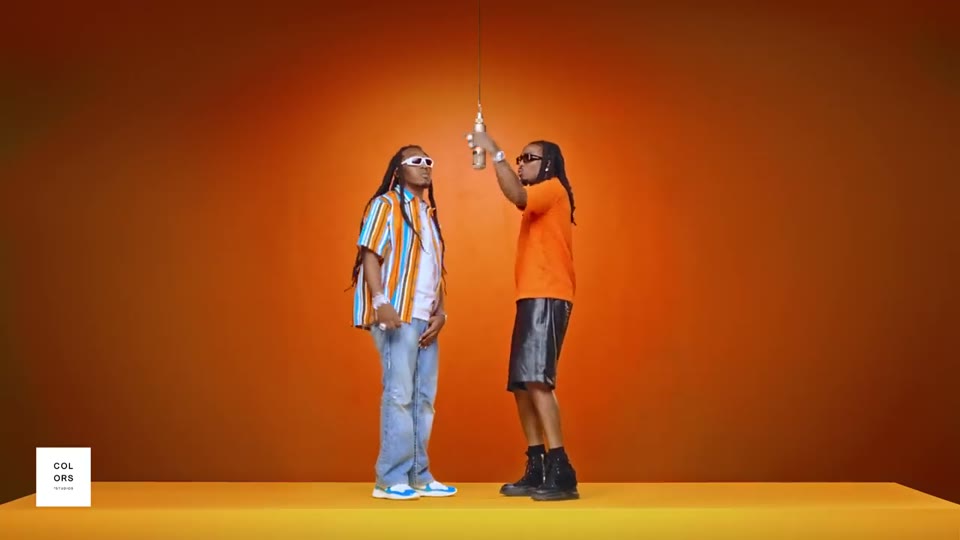
A full-body character performs the upbeat Hotel Lobby dance in a bright hotel lobby, with the same identity, clothing, and proportions as the reference image. The performance follows the reference video timing. No text, logos, or reference audio.
1 performer · 16:9 source · source audio off
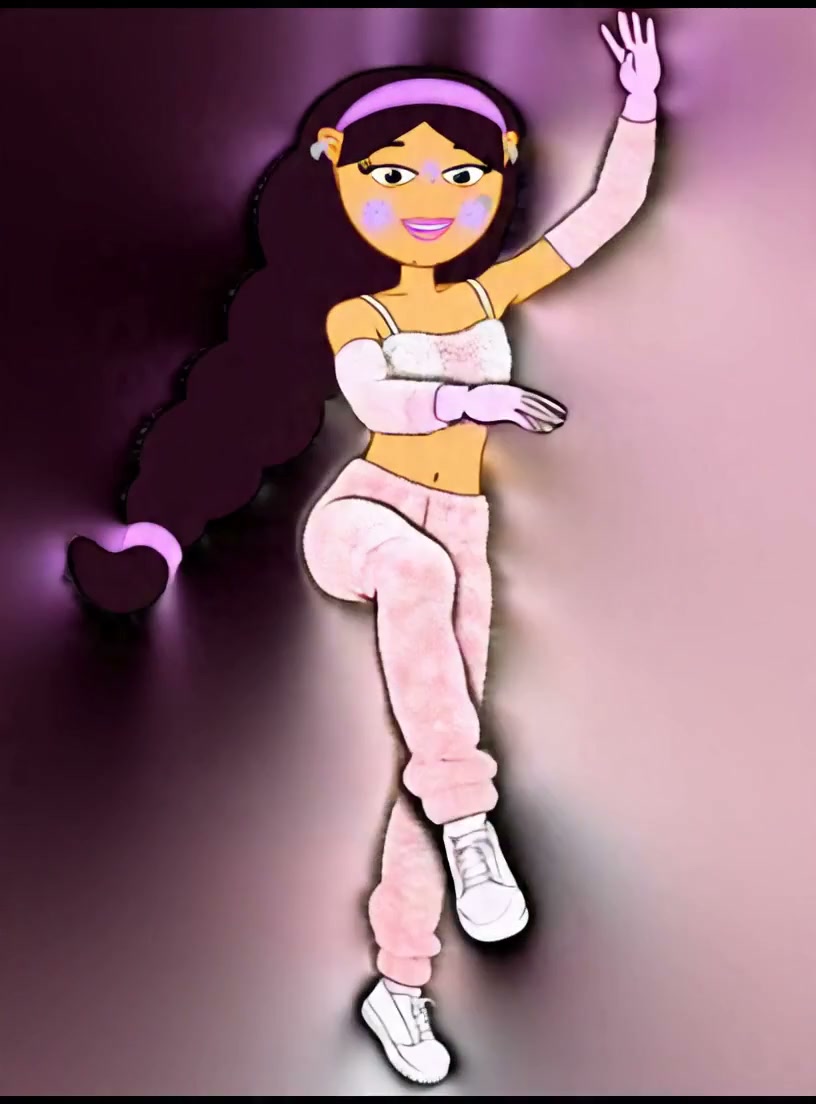
A character gives a natural friendly wave while preserving the reference identity, clothing, and proportions.
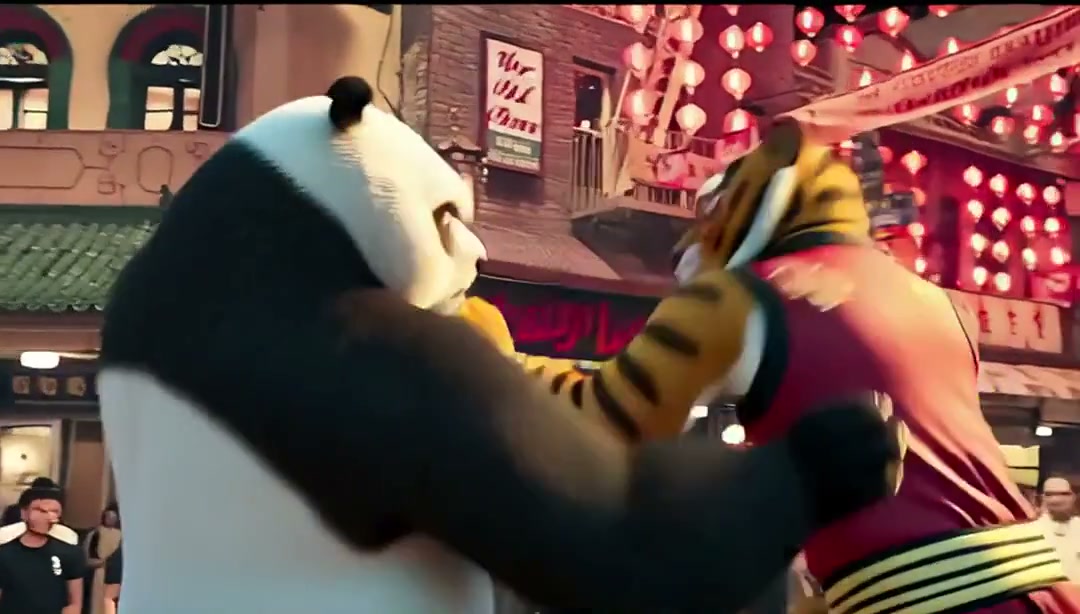
A character performs an energetic full-body martial arts victory pose in a game-like scene.
Use one clearly framed subject. Match a full-body image to a full-body dance and a waist-up image to a waist-up performance. Leave space around the performer when the source includes wide moves.
Use image orientation for clips of three to ten seconds. Choose video orientation for a longer driving clip, up to thirty seconds. The orientation setting is under the advanced controls.
Watch for hands disappearing and changes to the face during fast turns. Try the same first few seconds in both orientations and compare the framing before committing to a longer render.