AI Character Animation Studio
Driving Video Animation AI
Use a driving video to animate a still character image with AI motion transfer.
Reference Image
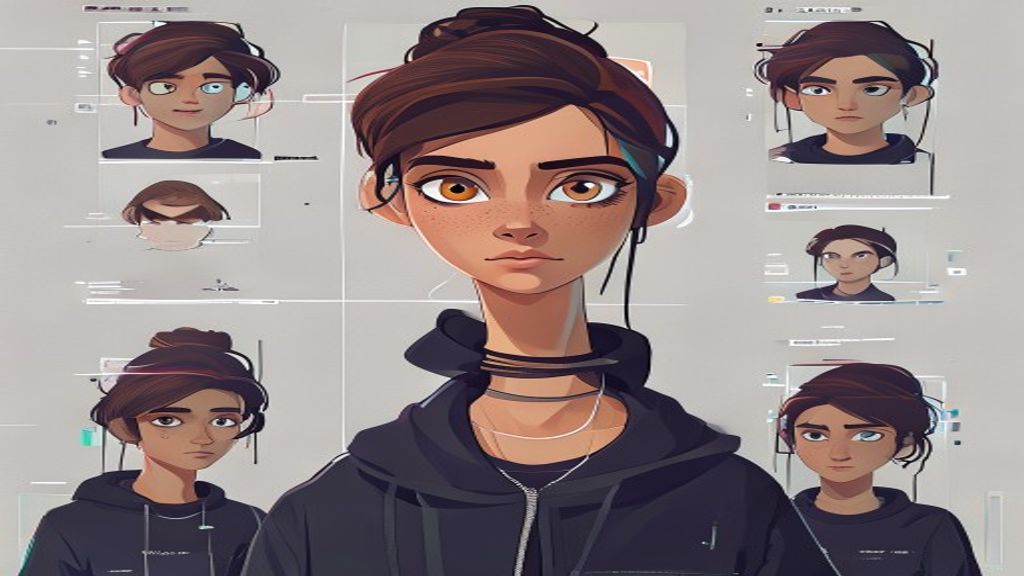
Driving Video
Output Video
What you need
Start with one clear character image. Pick a tested motion template, or use a short driving clip when you need a custom performance.
What you control
Choose the motion, quality mode, resolution, and preview settings before spending credits.
What you get
Completed jobs stay in your history and can be downloaded, shared, or used as the starting point for another motion.
Use cases
Reference image plus driving video generation
Dance and gesture transfer
Creator result sharing
Model strengths
Clear input-to-output workflow
Credits estimated from duration
Public pages help viral sharing
Model limits
Driving video should be concise
Background-heavy clips may distract motion
Fine identity details can vary
FAQ
What is a driving video?
It is the source video whose motion or expression guides the generated animation.
Can I preview the input?
Yes. The studio shows uploaded reference and driving media before generation.
Open Character Motion Studio
Upload your character, pick a model, generate the video, then share the result page.
Open Character Motion Studio