AI Character Animation Studio
Animate Portrait With AI
Animate a portrait from a driving video using Live Portrait or create broader character motion with SCAIL-2.
Reference Image
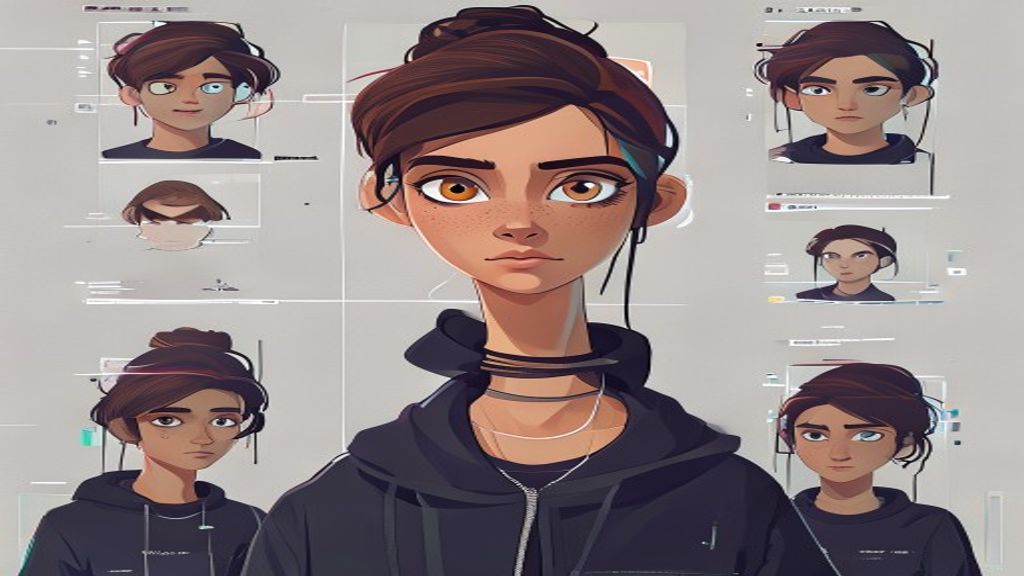
Driving Video
Output Video
What you need
Start with one clear character image. Pick a tested motion template, or use a short driving clip when you need a custom performance.
What you control
Choose the motion, quality mode, resolution, and preview settings before spending credits.
What you get
Completed jobs stay in your history and can be downloaded, shared, or used as the starting point for another motion.
Use cases
Talking profile videos
Expression transfer
Avatar clips for landing pages
Model strengths
Live Portrait model choice
Good for face and head motion
Shareable result pages
Model limits
Not designed for full-body motion
Large head turns may be difficult
Clean face visibility matters
FAQ
Which model is best for portraits?
Choose Live Portrait for portrait animation and talking-avatar workflows.
Can I also animate full-body characters?
Yes. Switch to SCAIL-2 for full-body character animation.
Open Character Motion Studio
Upload your character, pick a model, generate the video, then share the result page.
Open Character Motion Studio